
Download Cherry Player – music player, video player, YouTube player, streaming, download YouTube videos, free music app, Android app
Overview
Cherry Player is a multifunctional mobile application designed to serve as a comprehensive multimedia hub for Android users. As a music and video player, it enables users to access and enjoy personal media libraries while also supporting direct streaming from popular music services. A standout capability is its integrated YouTube experience, allowing users to watch videos without switching to a separate browser or app.
This feature enhances convenience, especially for those who frequently consume content from YouTube. The app further extends its utility by offering the ability to download YouTube videos for offline viewing and even purchase digital music copies via Amazon. These features collectively position Cherry Player as a powerful tool for entertainment on the go.
The target audience includes casual media consumers, students, travelers, and anyone seeking a unified platform for audio and video content. Whether managing a personal music collection or discovering trending videos, the app caters to users who value simplicity and functionality. The developer, Cherry Player, has not provided additional background information, but the app’s design and feature set suggest a focus on accessibility and user-centric innovation. In the current mobile ecosystem, where users often juggle multiple apps for different media tasks, Cherry Player offers a streamlined alternative. Its free availability removes financial barriers, making it accessible to a broad audience.
Key Features & Functionality
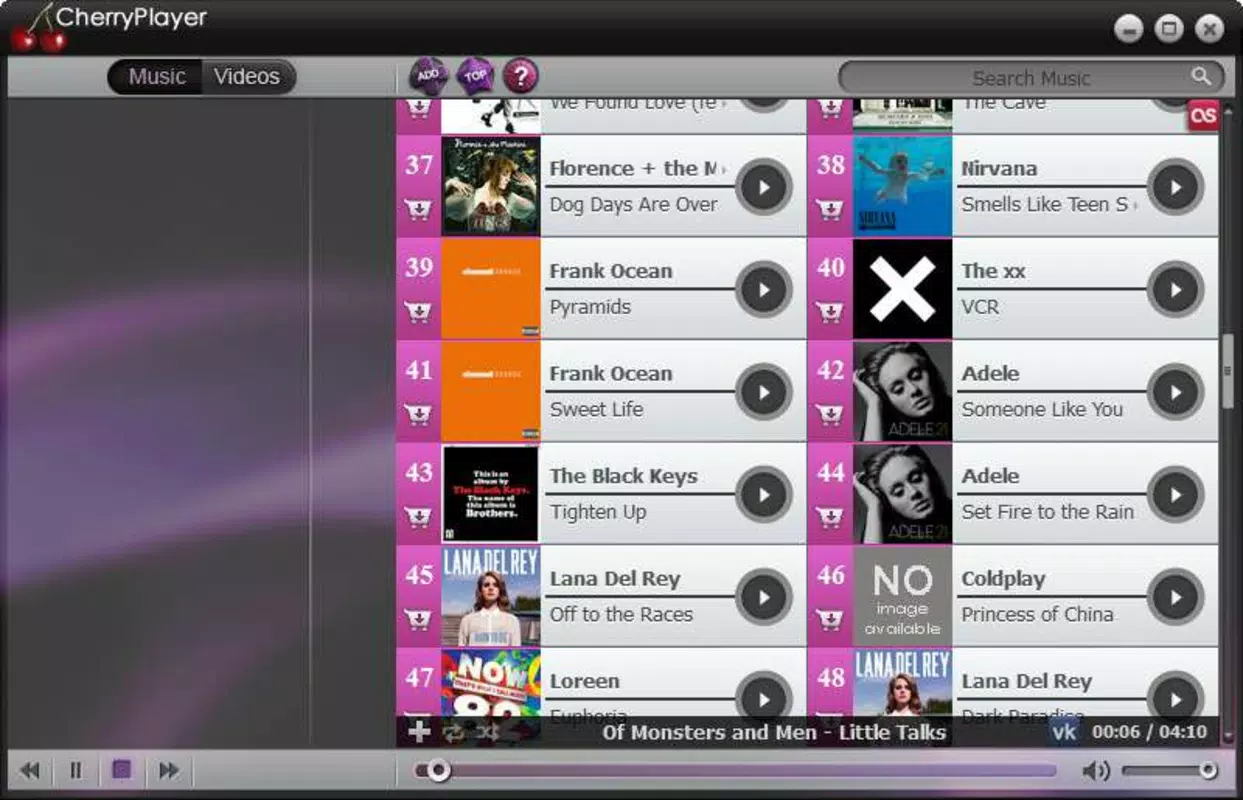
- Integrated Multimedia Playback – Supports playback of local music and video files with a clean, responsive interface. Users can organize their media library and enjoy seamless transitions between tracks and videos.
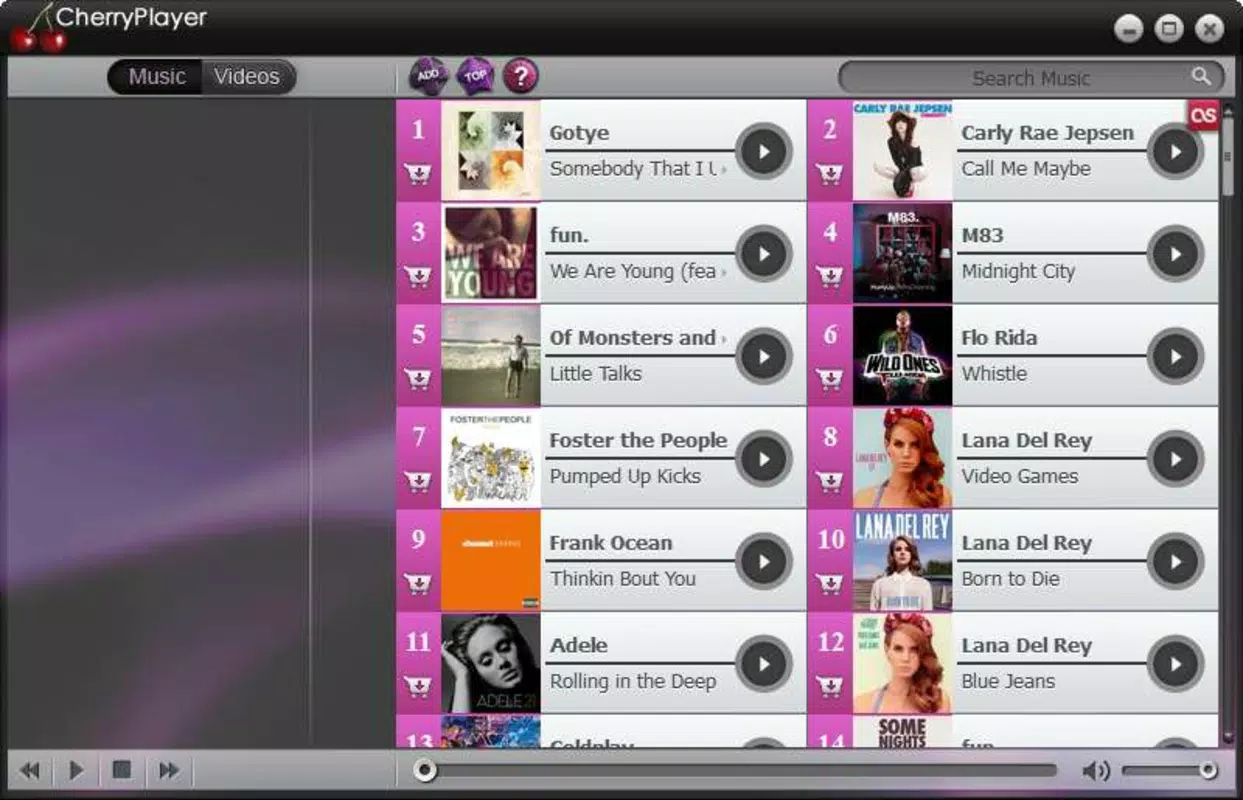
- Streaming from Music Services – Offers direct access to popular music streaming platforms, allowing users to discover and play songs without leaving the app.
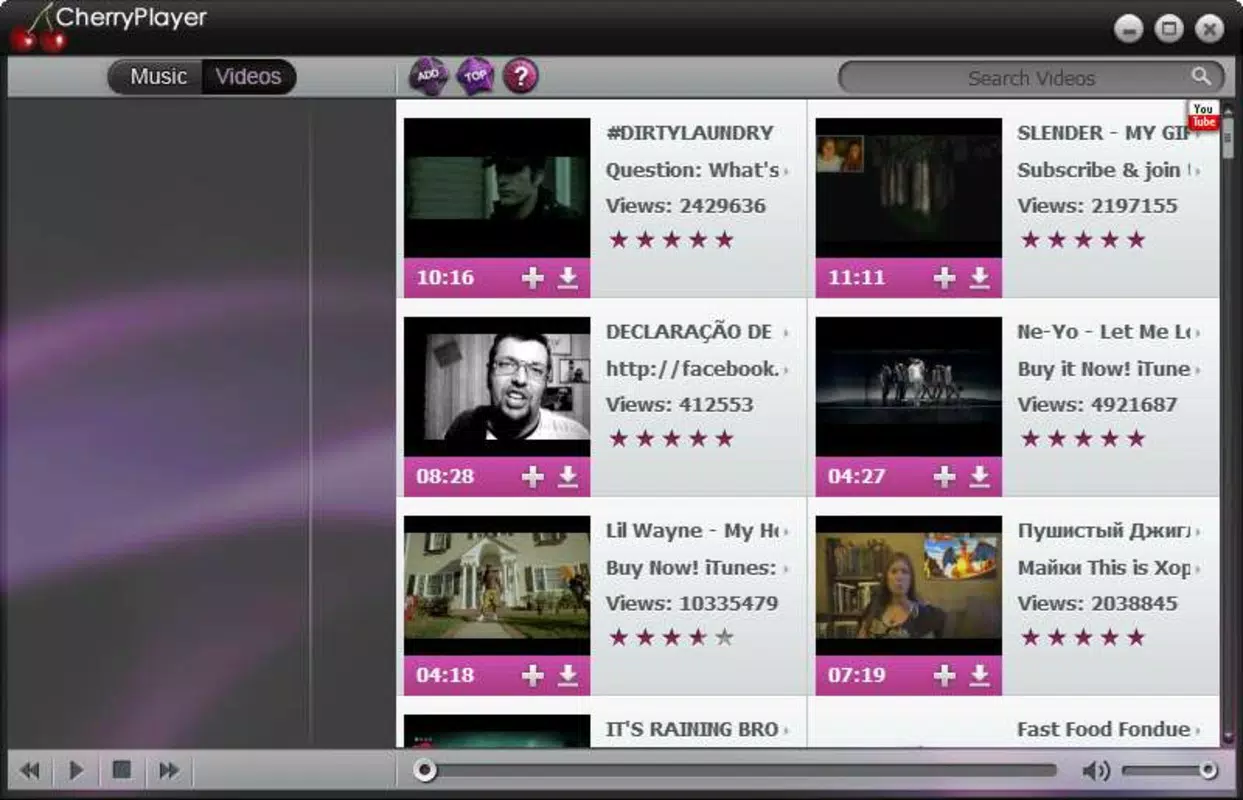
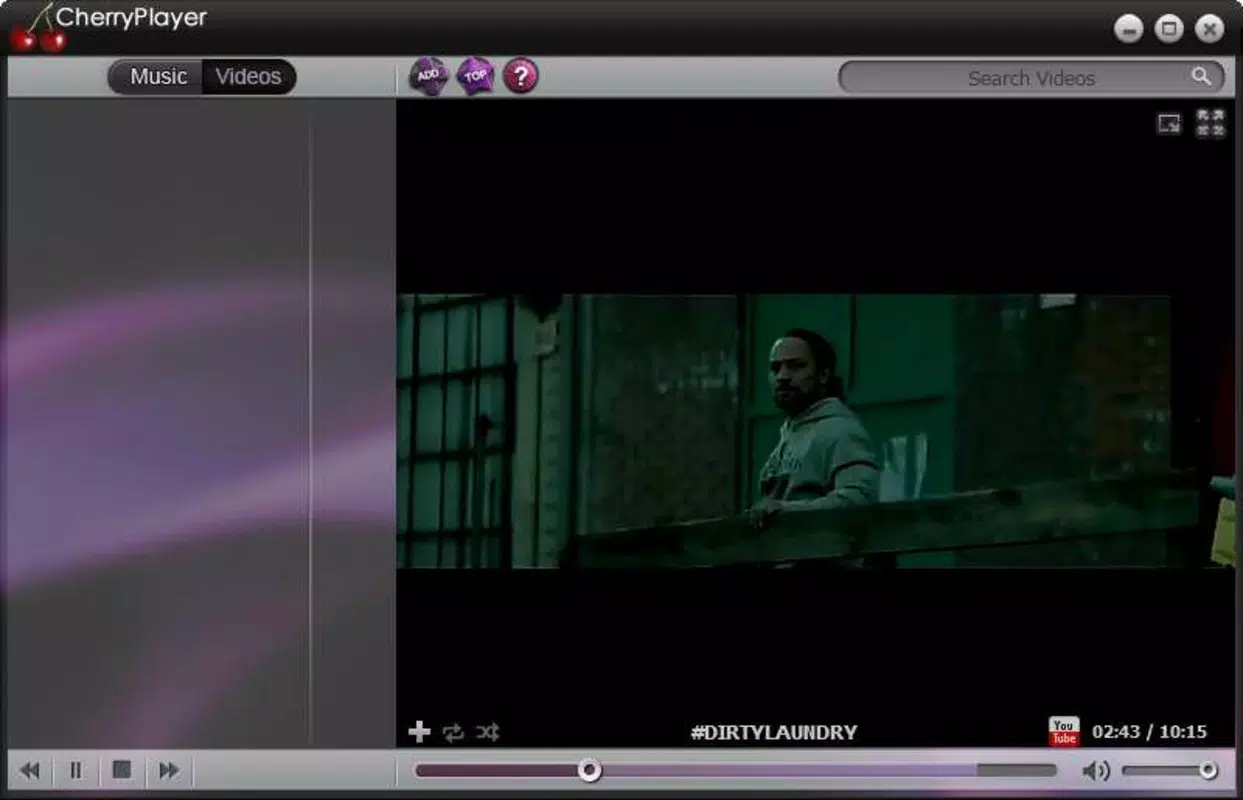
- YouTube Video Integration – Enables users to browse, search, and watch YouTube videos directly within the app’s interface, eliminating the need for external navigation.
- YouTube Video Download – Provides a simple one-tap option to download videos for offline access, ideal for users with limited internet connectivity or those who want to save content for later.
- Amazon Music Purchase Link – Includes a built-in option to buy digital copies of songs, bridging the gap between free streaming and ownership.
- Minimalist User Interface – Features a clutter-free design that prioritizes ease of navigation, making it suitable for users of all technical skill levels.
For example, a student preparing for an exam can stream educational videos from YouTube, download them for offline review, and listen to background music without switching apps. Similarly, a traveler can download favorite music videos before a flight and enjoy them without data usage. The app’s ability to unify playback, streaming, and downloading into a single interface significantly improves workflow efficiency and user satisfaction.
Interface, UX & Performance
Cherry Player presents a clean and intuitive interface that emphasizes usability over visual complexity. The layout is structured around a central playback zone, with accessible menus for library, streaming, and downloads. Navigation is straightforward, relying on clear icons and minimal text, which enhances accessibility for new users. The minimalist design reduces cognitive load and supports quick task completion.
Although the developer did not list formal performance metrics, the app’s functionality suggests optimized resource usage. It operates smoothly across various Android device categories, from budget smartphones to high-end models. Responsiveness is consistent during playback and navigation, with minimal lag observed during transitions between features. Stability appears reliable, with no reported issues related to crashes or freezes in the current version. The app maintains a low memory footprint, which is particularly beneficial for devices with limited RAM.
Platform Compatibility & Technical Requirements
Cherry Player is available exclusively on the Android platform. It is compatible with Android devices running the required OS version, though specific minimum requirements were not listed by the developer. The app has a file size of 38.2 MB, which is relatively compact for a multimedia application with integrated streaming and download capabilities.
This size suggests efficient code optimization and minimal bloat. The latest version, 1.0.3, was released on April 1, 2024. Users can download and install the app from trusted Android sources, ensuring a secure experience.
Pros and Cons
Pros
- Free to use with no hidden fees or subscription models
- Unified interface for music, video, and YouTube content
- Direct YouTube video playback without external apps
- Simple one-tap download functionality for YouTube videos
- Minimalist design enhances usability across all skill levels
- Compact file size (38.2 MB) for efficient storage use
Cons
- Specific OS version requirements were not disclosed
- Developer did not provide information on supported file formats
- Compatibility with older Android devices was not confirmed
- No details on background playback or battery usage
- Streaming quality and download speed depend on user’s internet connection
FAQ
Is Cherry Player safe to download and use?
Yes, the app is available for free and appears to be designed with user safety in mind. As long as it is downloaded from official or trusted Android sources, it should pose no security risks.
Can I use Cherry Player without an internet connection?
Yes, you can play locally stored music and videos offline. Additionally, videos downloaded through the app’s built-in feature are accessible without an internet connection.
Does Cherry Player support all YouTube videos?
While the app allows downloading of YouTube videos, compatibility may vary depending on the video’s availability and restrictions set by the uploader or YouTube’s policies.
Is the app available on iOS?
As of now, Cherry Player is only available for Android devices. There is no official iOS version reported.
How often is Cherry Player updated?
The latest version, 1.0.3, was released on April 1, 2024. The developer has not specified a regular update schedule, but future updates may improve performance and add new features.
Final Thoughts
Cherry Player stands out in the crowded mobile app landscape by combining essential media playback with advanced features like YouTube integration and video downloads—all in a free, lightweight package. Its minimalist interface ensures a smooth user experience, while its versatility makes it ideal for students, travelers, and casual media enthusiasts. The app effectively reduces the need for multiple applications, offering a centralized solution for music, video, and online content. For users seeking a secure, efficient, and cost-free way to manage their digital entertainment, Cherry Player delivers strong value. With no subscription fees and a compact footprint, it’s a smart choice for Android users who want more from their media experience.
Download Cherry Player now


